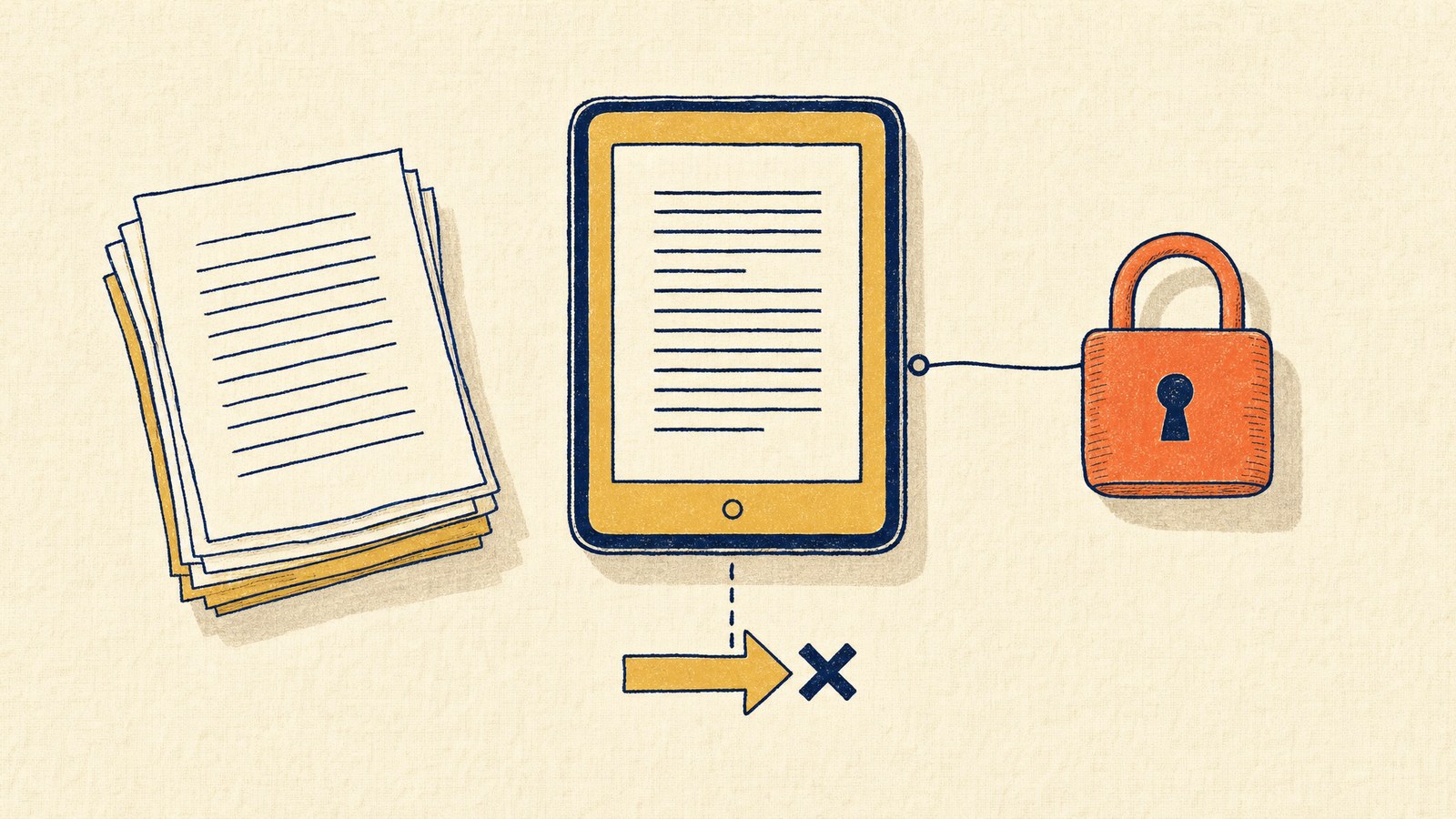
Kindle Create is Amazon’s free book formatting tool, and for a first ebook it’s genuinely useful. It’s also one of the most misunderstood tools in self-publishing — because what Amazon doesn’t say clearly is that Kindle Create locks your book into a format only Amazon can use, and gives you almost no control over how your paperback actually looks in print.
Here’s an honest breakdown of what it does well, what it can’t do, and when you’ve outgrown it.
What is Kindle Create?
Kindle Create is a free desktop app (Windows and Mac) from Amazon KDP that converts your manuscript into a formatted ebook and paperback. You import your Word document, pick a theme, and it handles chapter detection, table of contents, and layout automatically.
It outputs two file types: a KCB project file you edit, and a KPF file you upload to KDP. That second format matters more than it sounds — more on that below.
Kindle Create download (official links)
Download Kindle Create free from Amazon’s official Kindle Create page. It’s available for Windows and macOS. Don’t download it from third-party software sites — it’s free from Amazon, and mirror sites bundle junk.
What Kindle Create does well
For a text-only novel, memoir, or essay collection going exclusively to Amazon, Kindle Create is honestly fine. Chapter detection works, themes look clean on Kindle devices, the ebook preview is accurate, and the price is zero. If that describes your book, use it and spend your budget on covers and editing instead.
The limitations Amazon doesn’t advertise
Your file only works on Amazon. Kindle Create exports KPF — a proprietary format that only KDP accepts. No EPUB export, no PDF export. If you later want your book on IngramSpark, Kobo, Apple Books, or in bookstores, you’re reformatting from scratch. This is the single biggest reason experienced indie authors move off it.
You can’t control your paperback’s typography. Amazon’s own documentation states font and font size for paperbacks can’t be changed. Margins are auto-calculated and locked. For a professional interior — the thing readers subconsciously judge — you get almost no say.
No tables, footnotes, or endnotes. Nonfiction authors hit this wall fast.
No full-bleed images. Images can’t extend to the page edge, which rules out photo-heavy books, children’s books, and most cookbooks.
Simple layouts only. Amazon itself says Kindle Create is best for “text-heavy books with simple layouts.”
Publishing anywhere besides Amazon?
Check your interior PDF against KDP, IngramSpark, B&N Press, and Draft2Digital in about 30 seconds — free, no account needed.
Check my PDF free →Kindle Create vs. the alternatives
| Tool | Price | Print PDF export | Works beyond Amazon | Best for |
|---|---|---|---|---|
| Kindle Create | Free | No (KPF only) | No | First ebook, Amazon-only |
| Reedsy Studio | Free | Yes | Yes | Budget-conscious authors |
| Atticus | $147 | Yes | Yes | Authors wanting control on PC |
| Vellum | $199–249 | Yes | Yes | Mac users, beautiful defaults |
| BookReady Formatter | $59 | Yes | Yes | Print-ready PDF without subscriptions |
When you’ve outgrown Kindle Create
The moment you decide to publish anywhere besides Amazon, you need a real print-ready PDF — and that PDF has to pass each platform’s technical requirements: PDF/X compliance, embedded fonts, CMYK color, correct bleed, exact spine width. (Still deciding whether that means IngramSpark, and how it compares to staying KDP-only? Our honest KDP vs IngramSpark guide walks through the tradeoffs.)
That’s the gap BookReady fills. The formatter produces a print-ready interior for $59, and the compliance scanner runs 18 checks against KDP, IngramSpark, B&N Press, and Draft2Digital requirements — then fixes what it finds for $14. If you’ve already got a PDF from another tool, the scanner alone tells you in 30 seconds whether it will survive upload.
FAQ
Is Kindle Create free?
Yes, completely free from Amazon.
Can Kindle Create make a PDF?
No. It exports KPF files that only work on Amazon KDP. To publish on IngramSpark or other platforms you need a separate tool that exports print-ready PDF.
Can I use Kindle Create files on IngramSpark?
No. IngramSpark requires a PDF (ideally PDF/X-1a). You’ll need to reformat with a tool that exports PDF, then verify it meets IngramSpark’s specs.
Does Kindle Create work for paperbacks?
Yes, but with locked fonts, locked margins, and no full-bleed images. Fine for simple novels; limiting for anything else.
Is Kindle Create good for nonfiction?
Only simple nonfiction. It doesn’t support tables, footnotes, or endnotes.