📄 Check my PDF → 🎨 Cover Check 🖌 Cover Builder 📖 Formatter 🛠 Free Tools 🧭 Platform Guides 📄 Author Website 💡 Why BookReady 📝 Blog 📚 Reviews 🔌 Integrations 💸 Pricing ⭐ Sign in / Pro
New from the makers of the PDF compliance scanner

Format your book like it matters

Import your manuscript, pick a theme, and watch it become real 6×9 pages — with a live compliance score, your royalty on every platform, and exports that don't get rejected.

Free to format · $59 one-time for clean exports · No subscription · No account needed

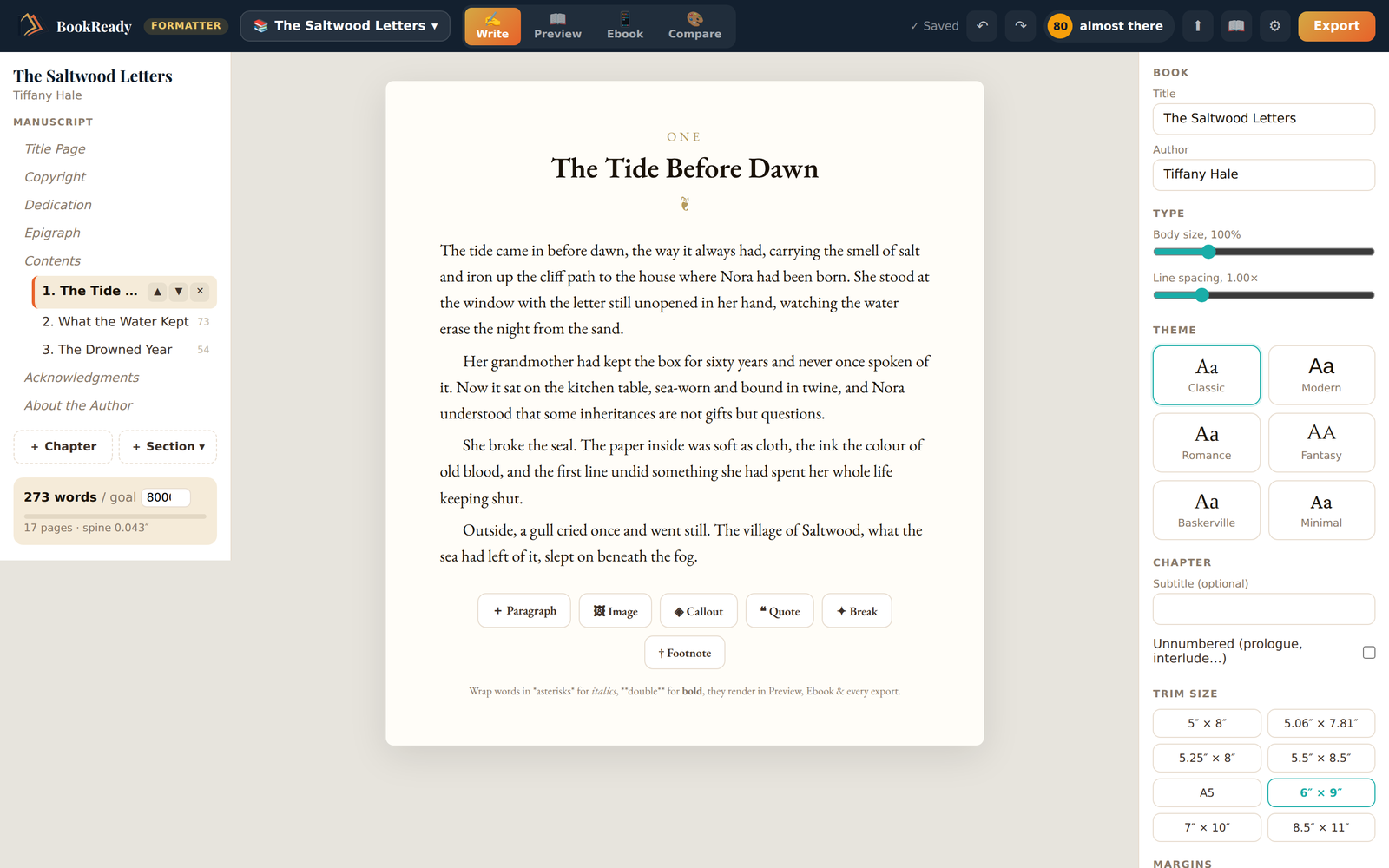
BookReady formatter studio showing a manuscript being edited on the left beside a live theme and trim-size panel on the right

Typesetting, checking, and pricing, one screen

Other formatters stop at pretty pages. We keep going until the upload is accepted.

📖

Real book pages, live

Side-by-side spreads at your exact trim size. Auto table of contents with real page numbers. Twelve interior themes, compared using your words, not sample text.

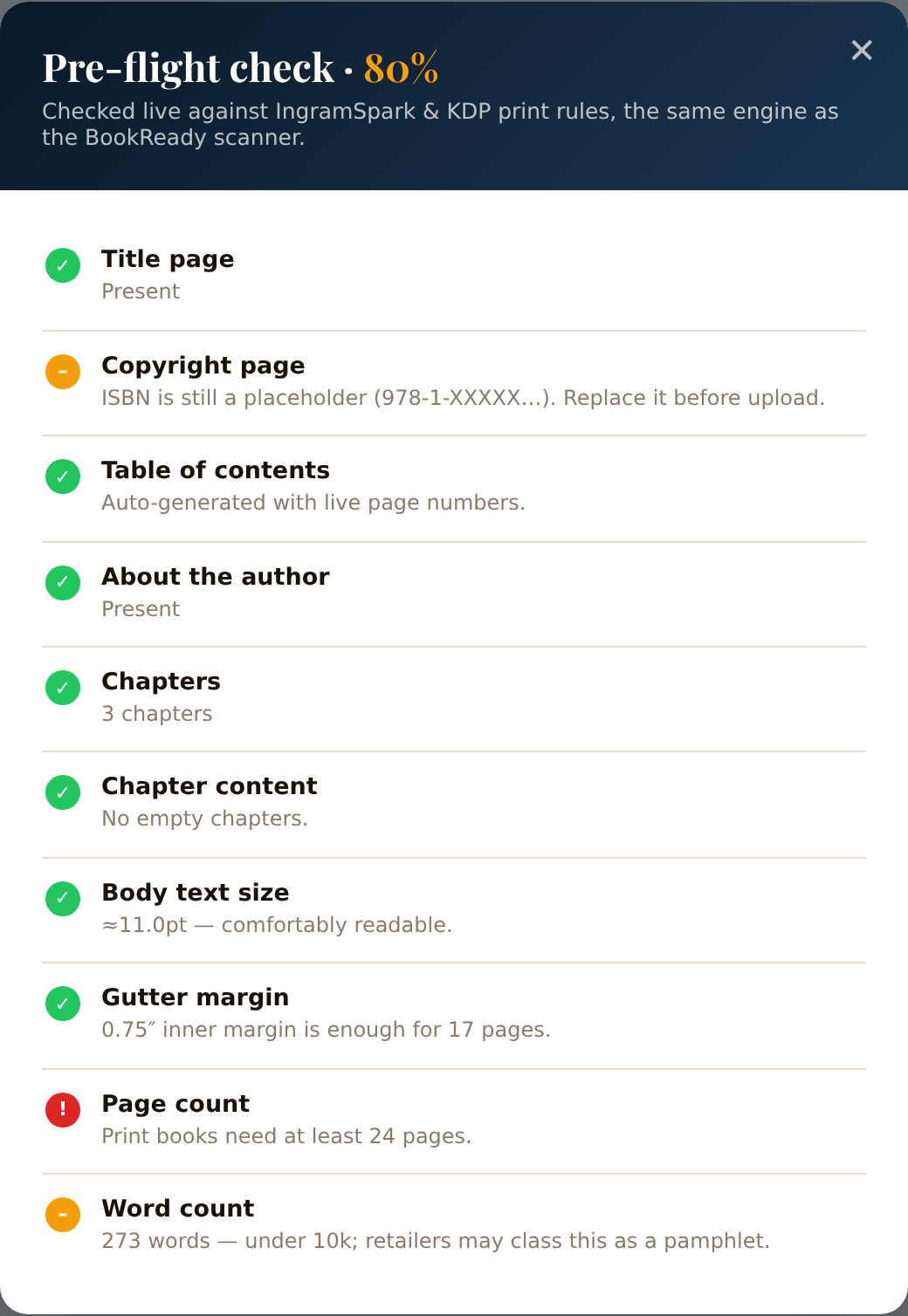
Pre-flight while you format

The same checks our scanner runs on rejected IngramSpark files, gutter width, page minimums, placeholder ISBNs, scored live in the top bar as you work.

💰

Know your royalty first

Spine width, print cost, and royalty per copy on KDP, IngramSpark, B&N Press, and D2D, recalculated from your actual page count every time you edit.

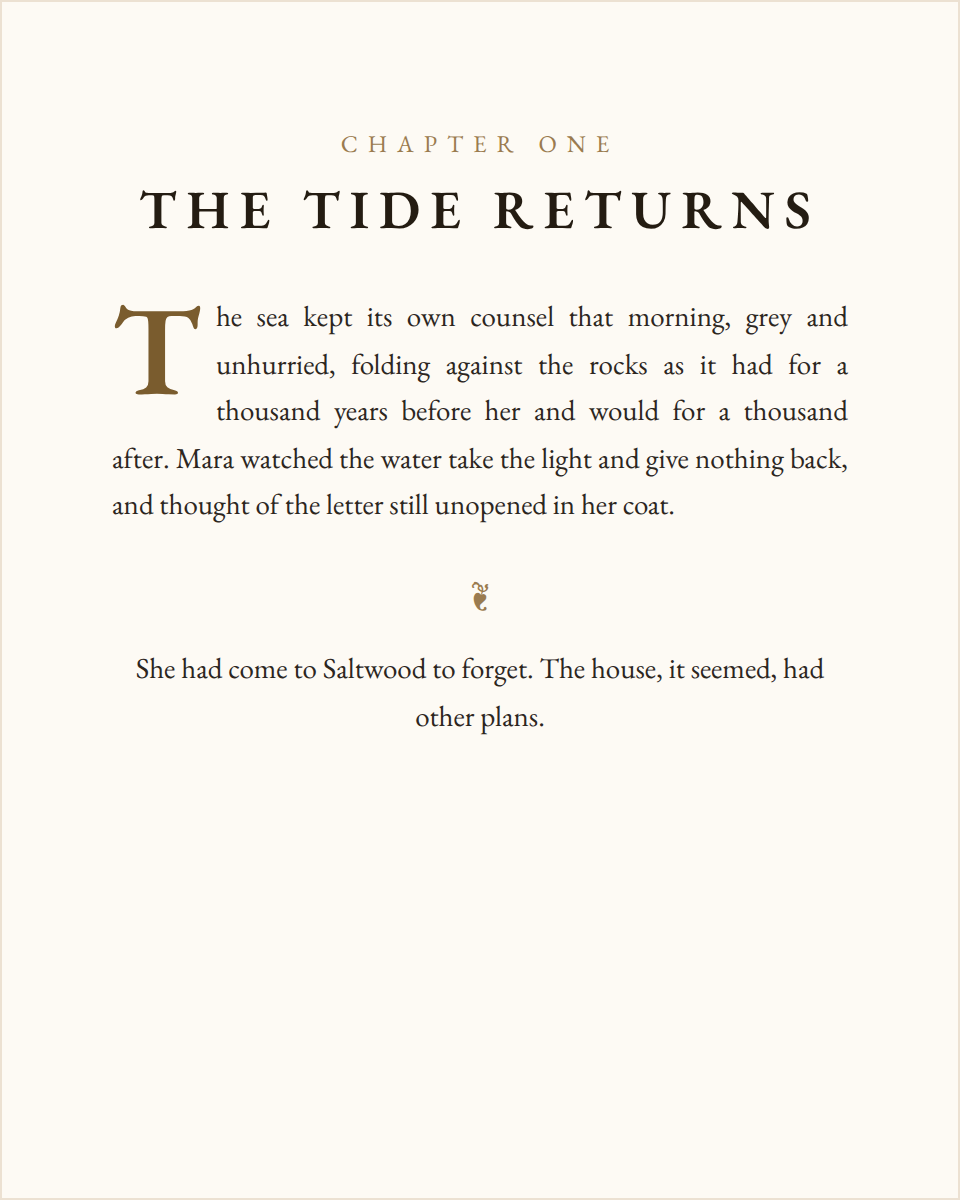
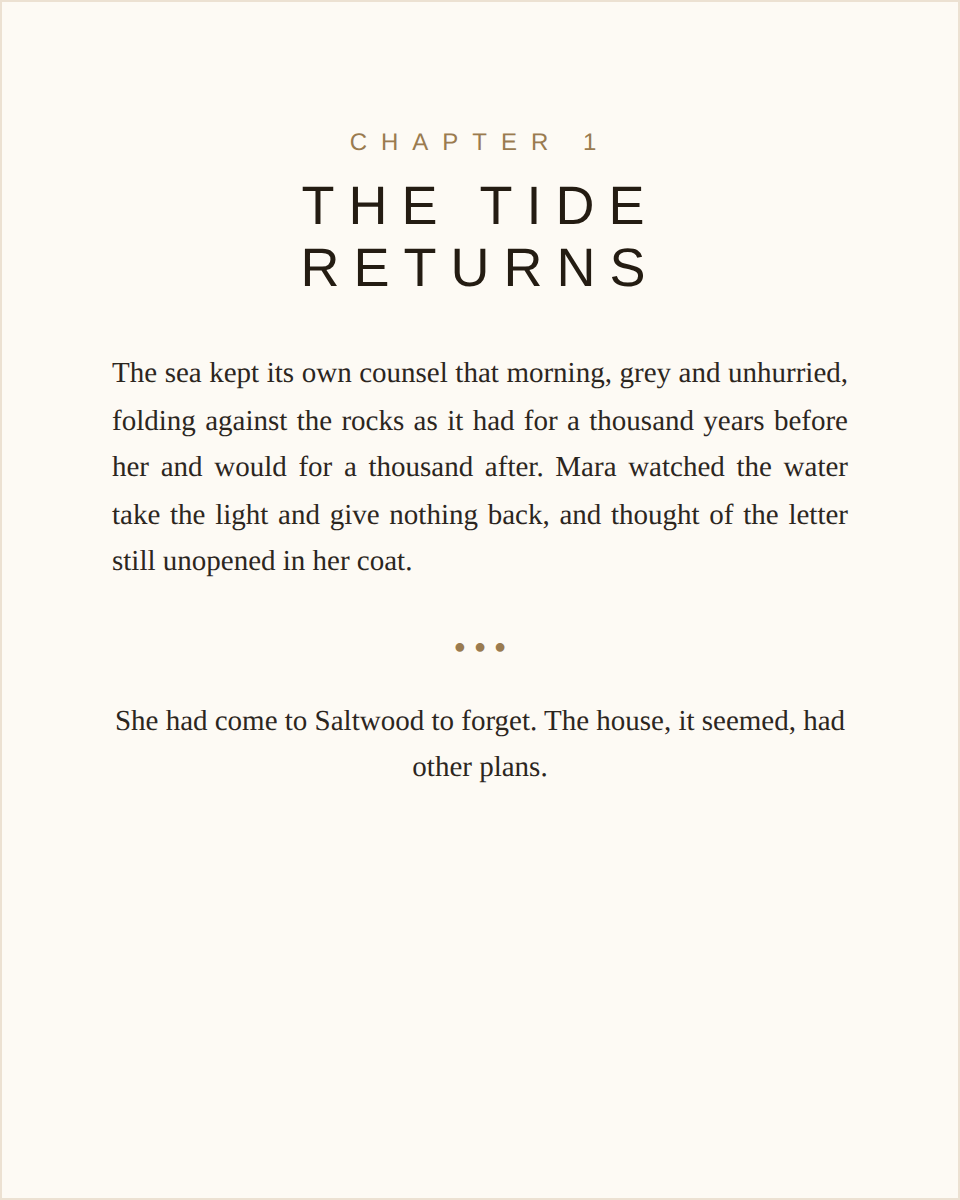
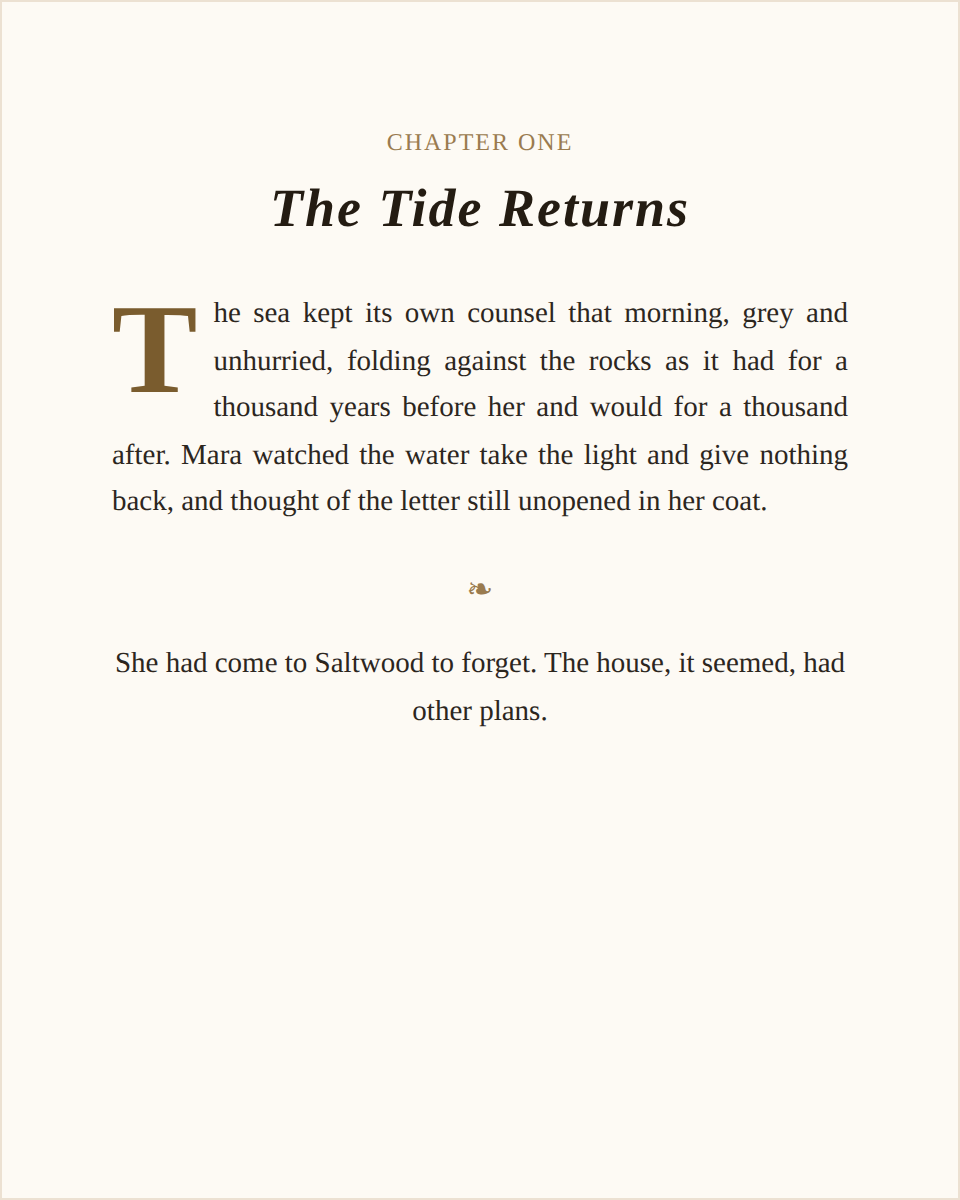
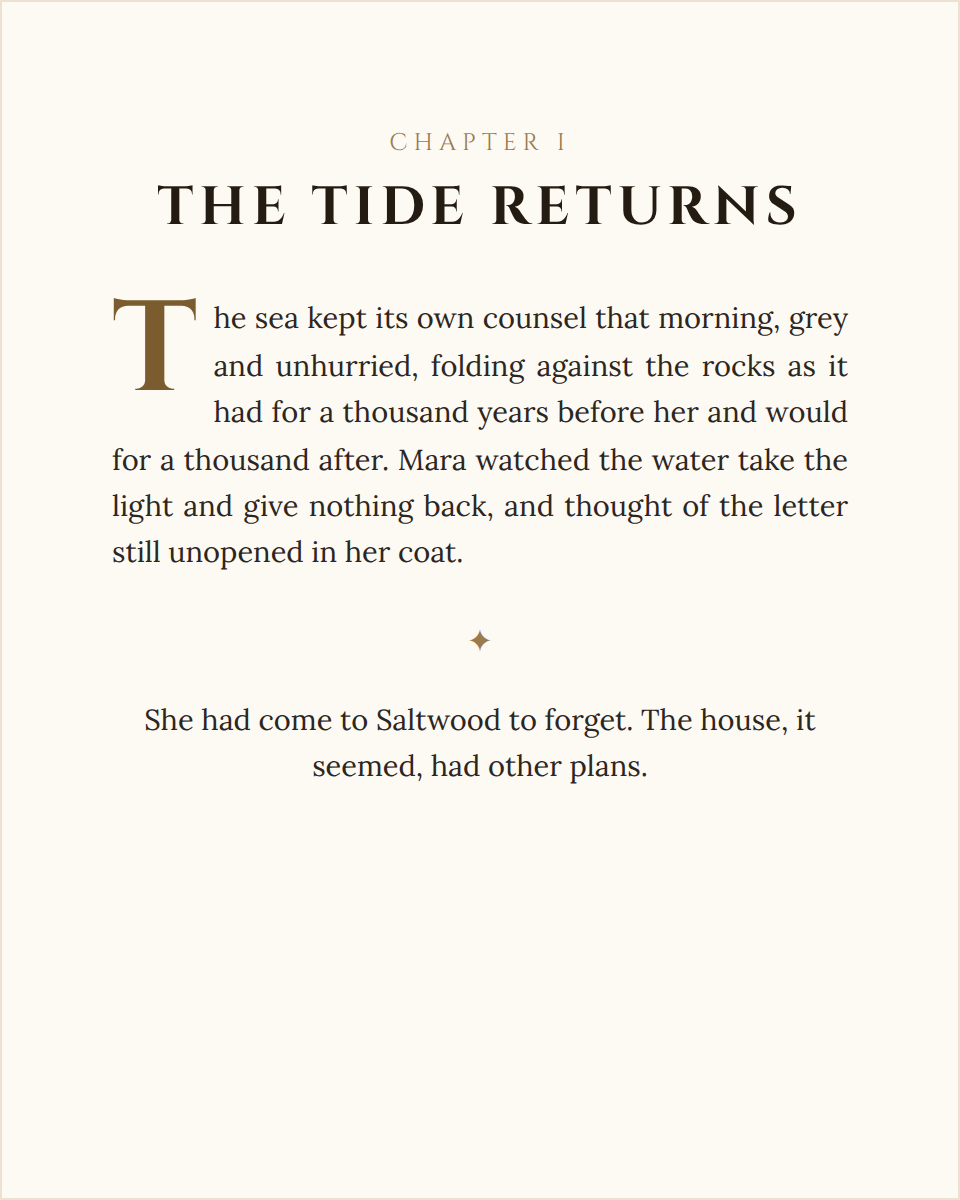
Twelve interior themes. Your words, not sample text.

Pick a theme and it's applied to every chapter instantly — rendered from your actual manuscript, so you're choosing how your book looks, not a demo.

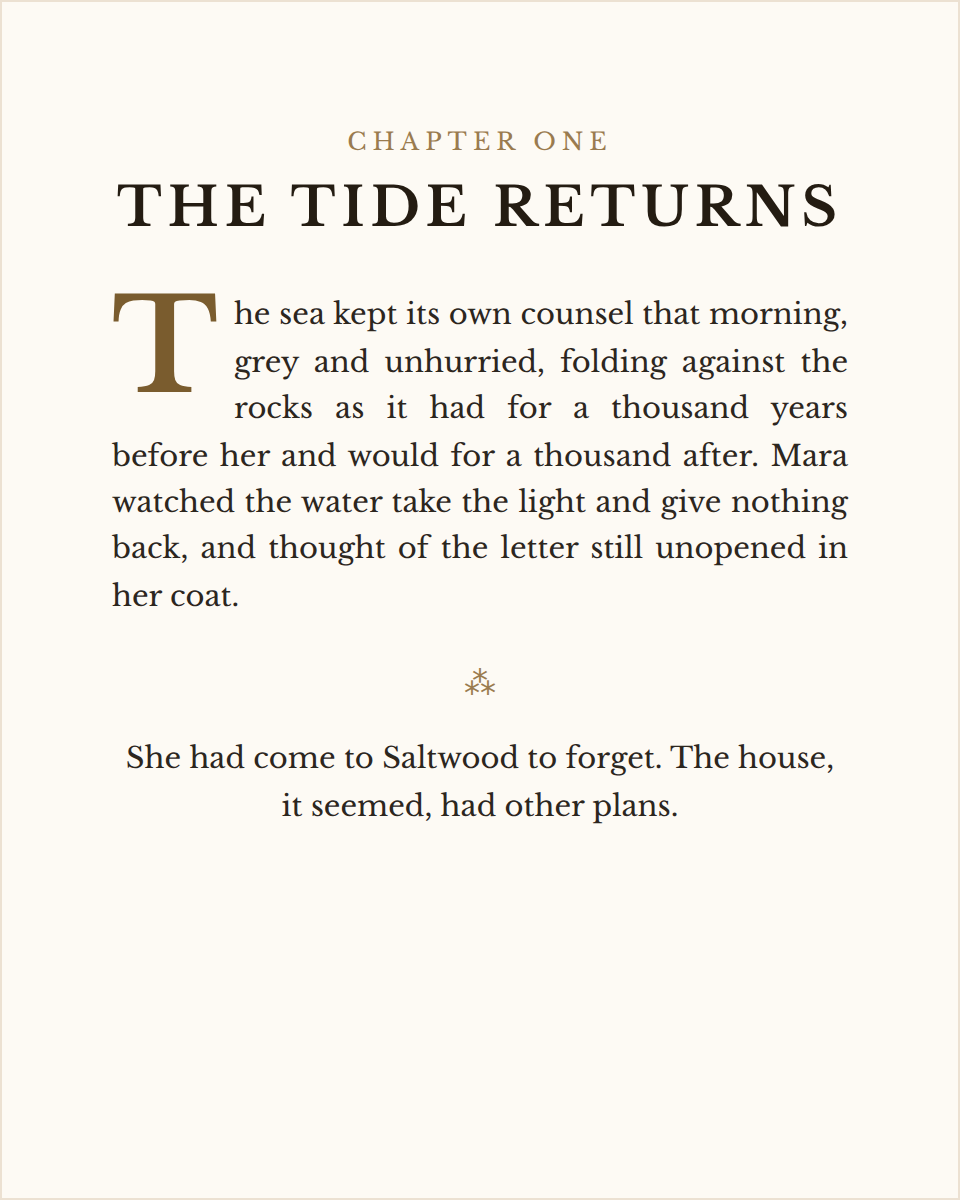
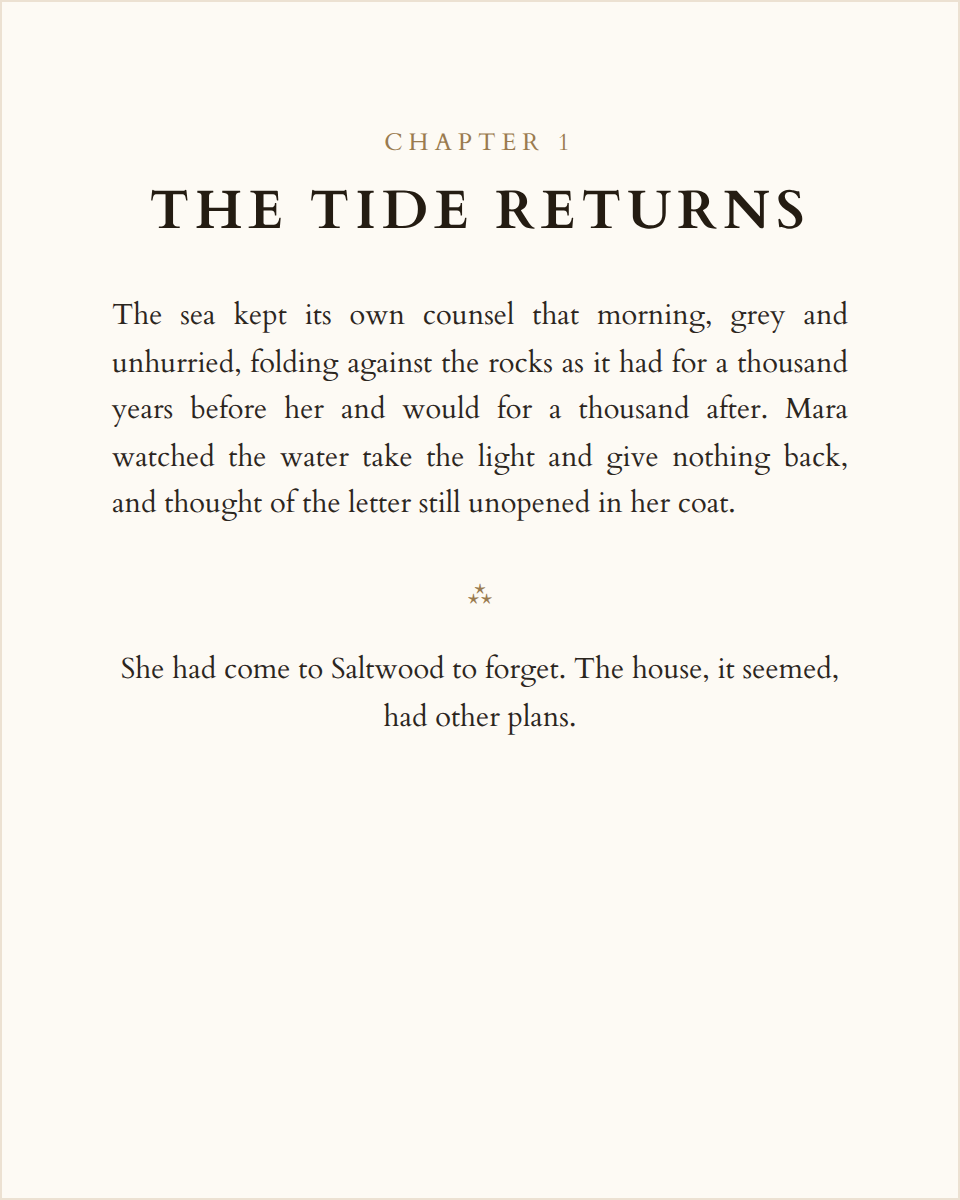
Chapter opener in the Classic theme, a timeless serif layout with a small-caps chapter label
Classic
Timeless and literary.
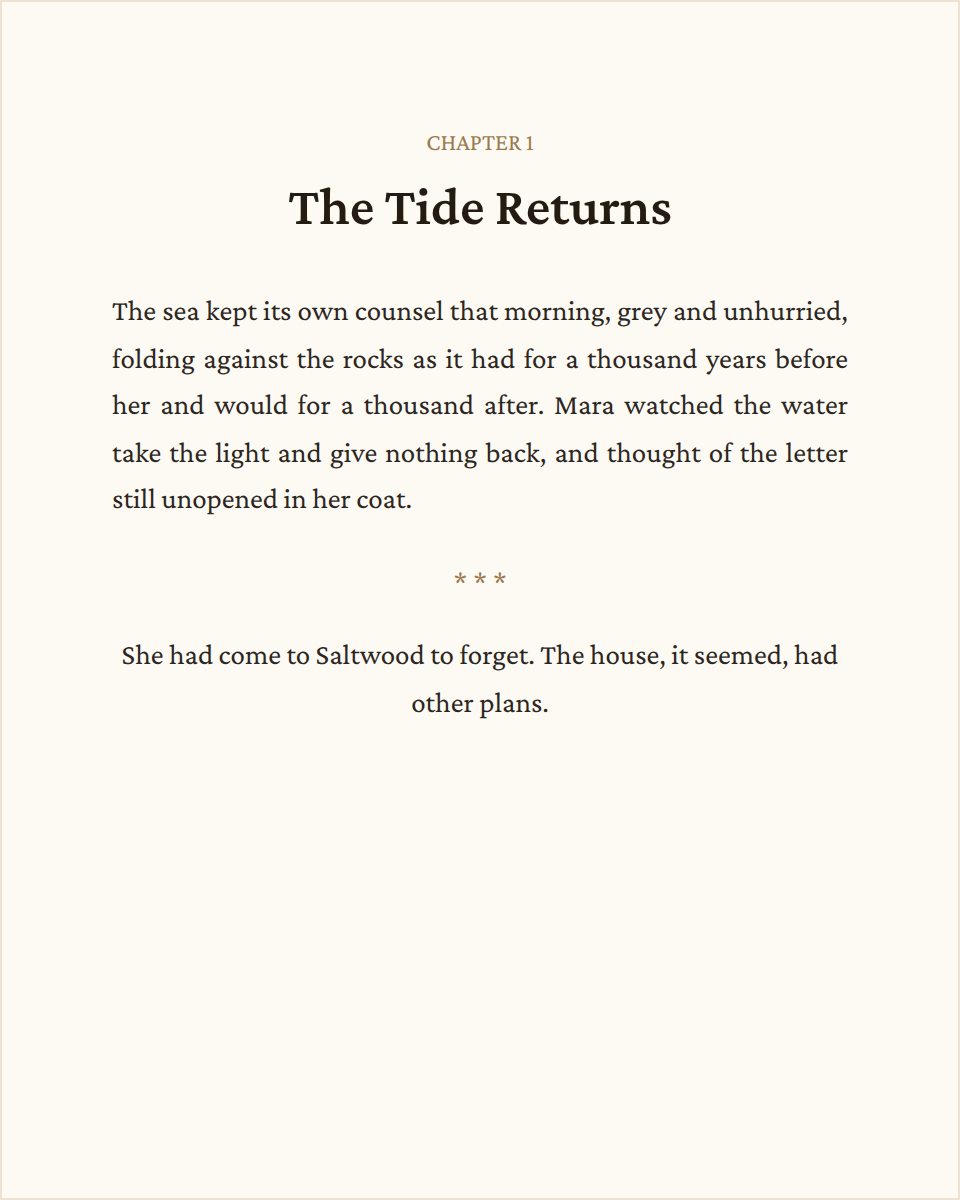
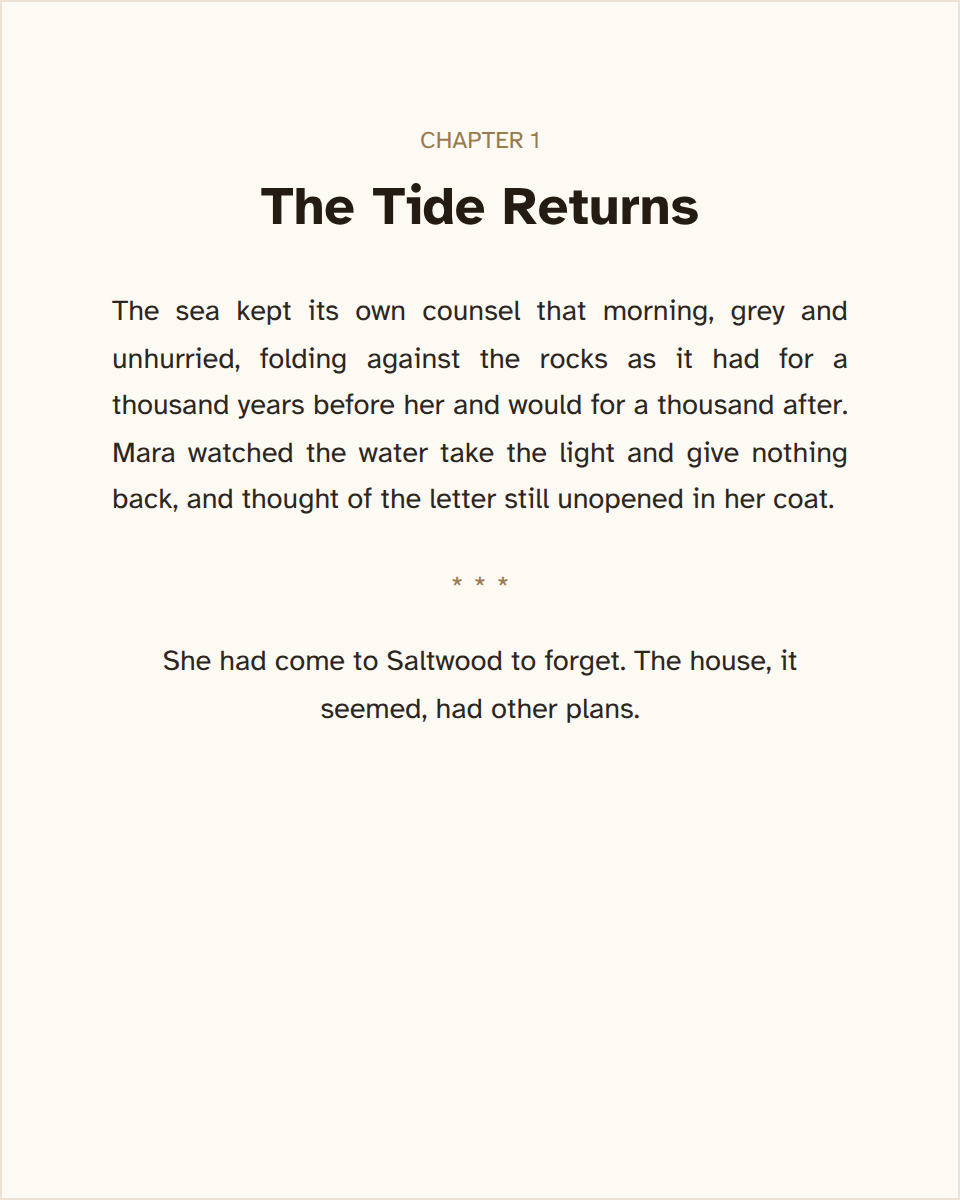
Chapter opener in the Modern theme, a clean contemporary layout with a bold sans-serif heading
Modern
Clean and contemporary.
Chapter opener in the Romance theme, a warm serif layout with an inviting feel
Romance
Warm and inviting.
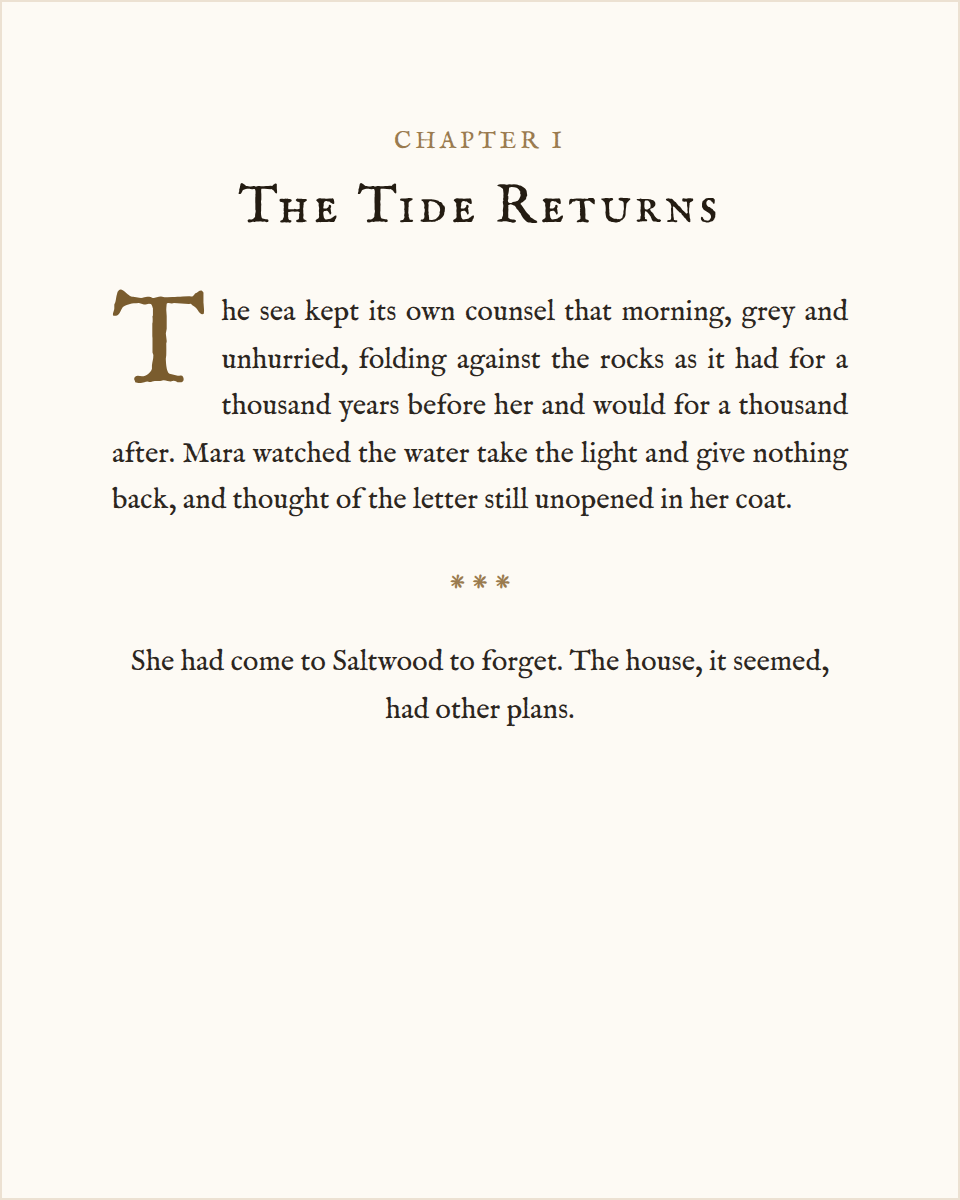
Chapter opener in the Fantasy theme, a bold dramatic layout with a small-caps display title
Fantasy
Bold and dramatic.
Chapter opener in the Baskerville theme, a classic wide-set serif layout with a bookish feel
Baskerville
Classic and bookish.
Chapter opener in the Minimal theme, a quiet understated layout with restrained typography
Minimal
Quiet and understated.
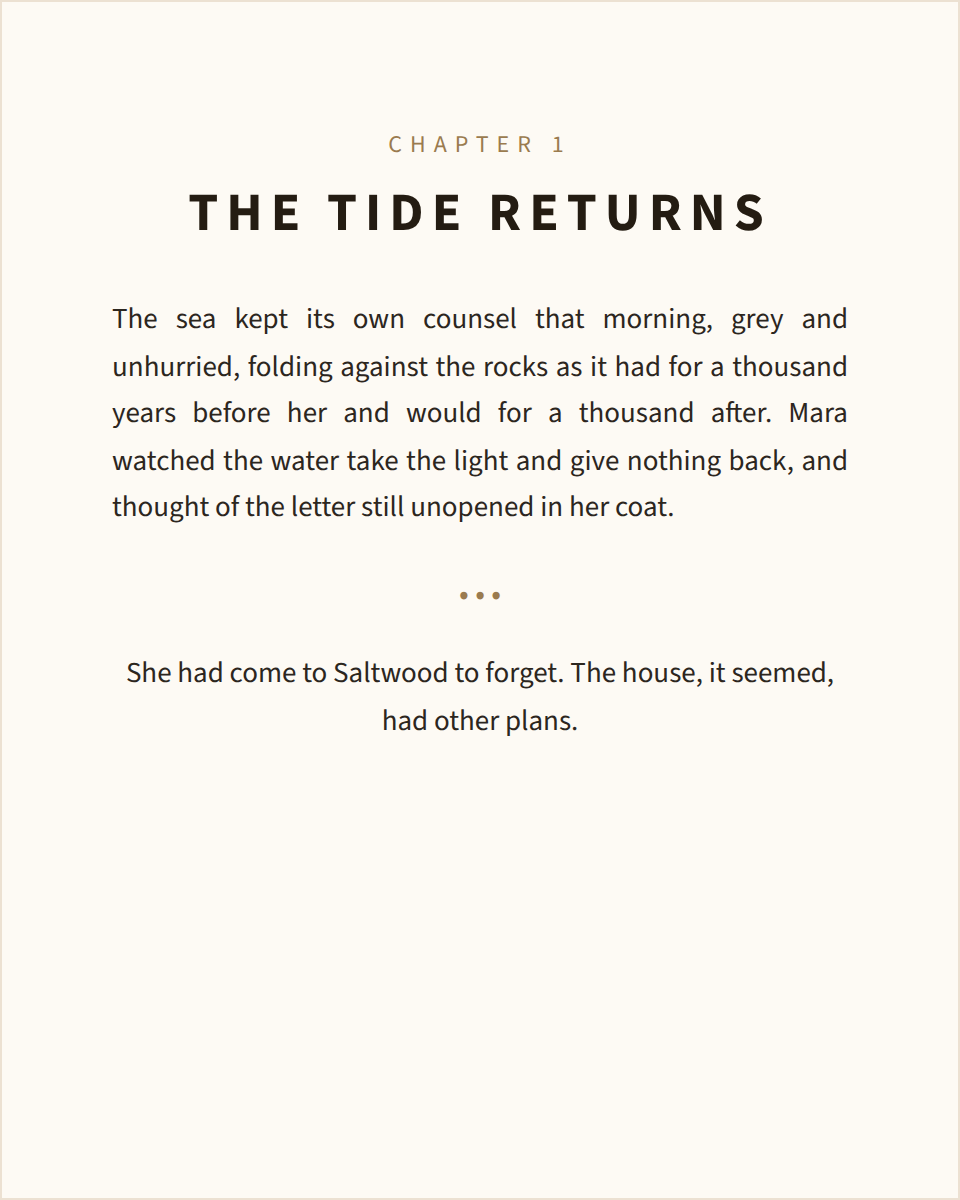
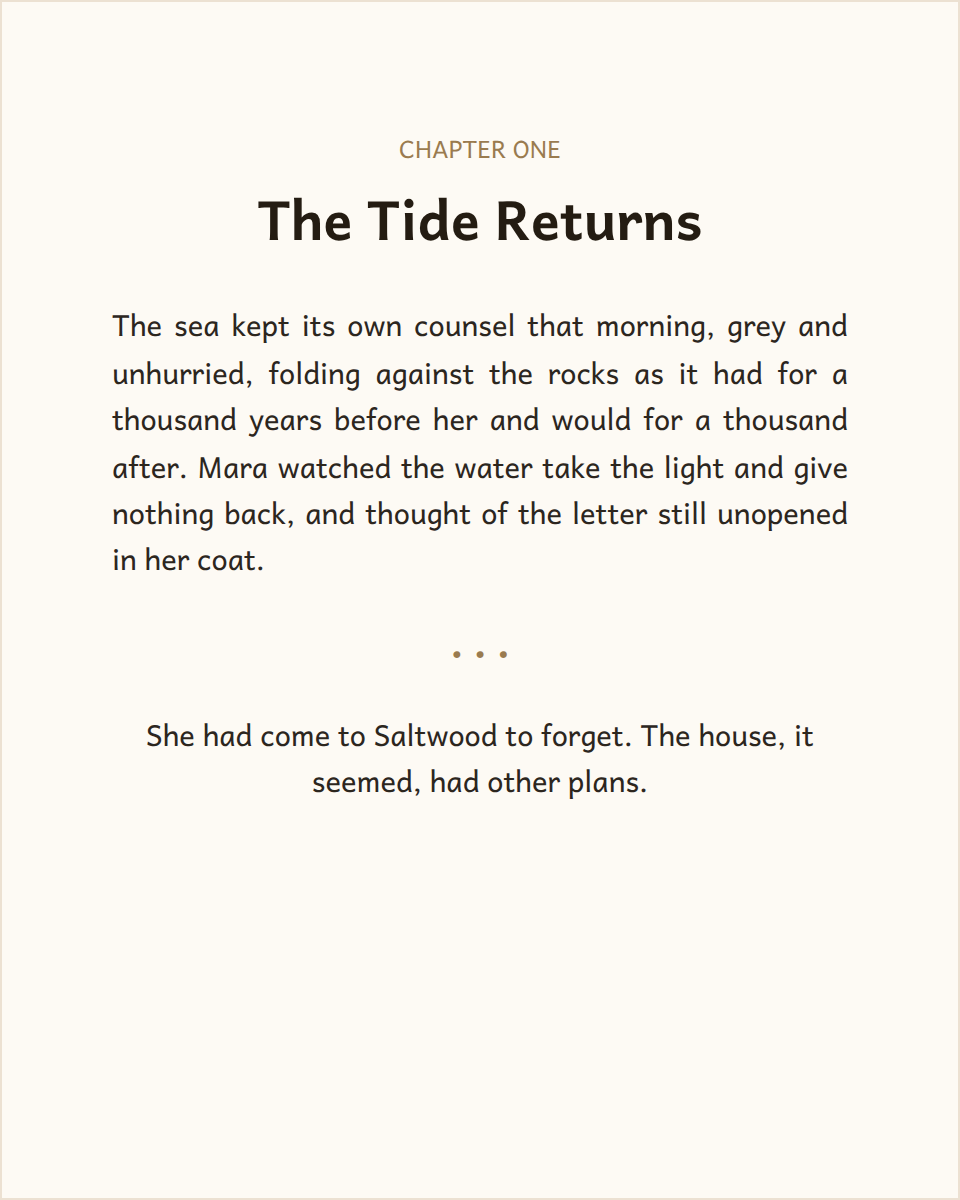
Chapter opener in the Sans theme, a clean contemporary sans-serif layout for nonfiction and memoir
Sans
Contemporary nonfiction.
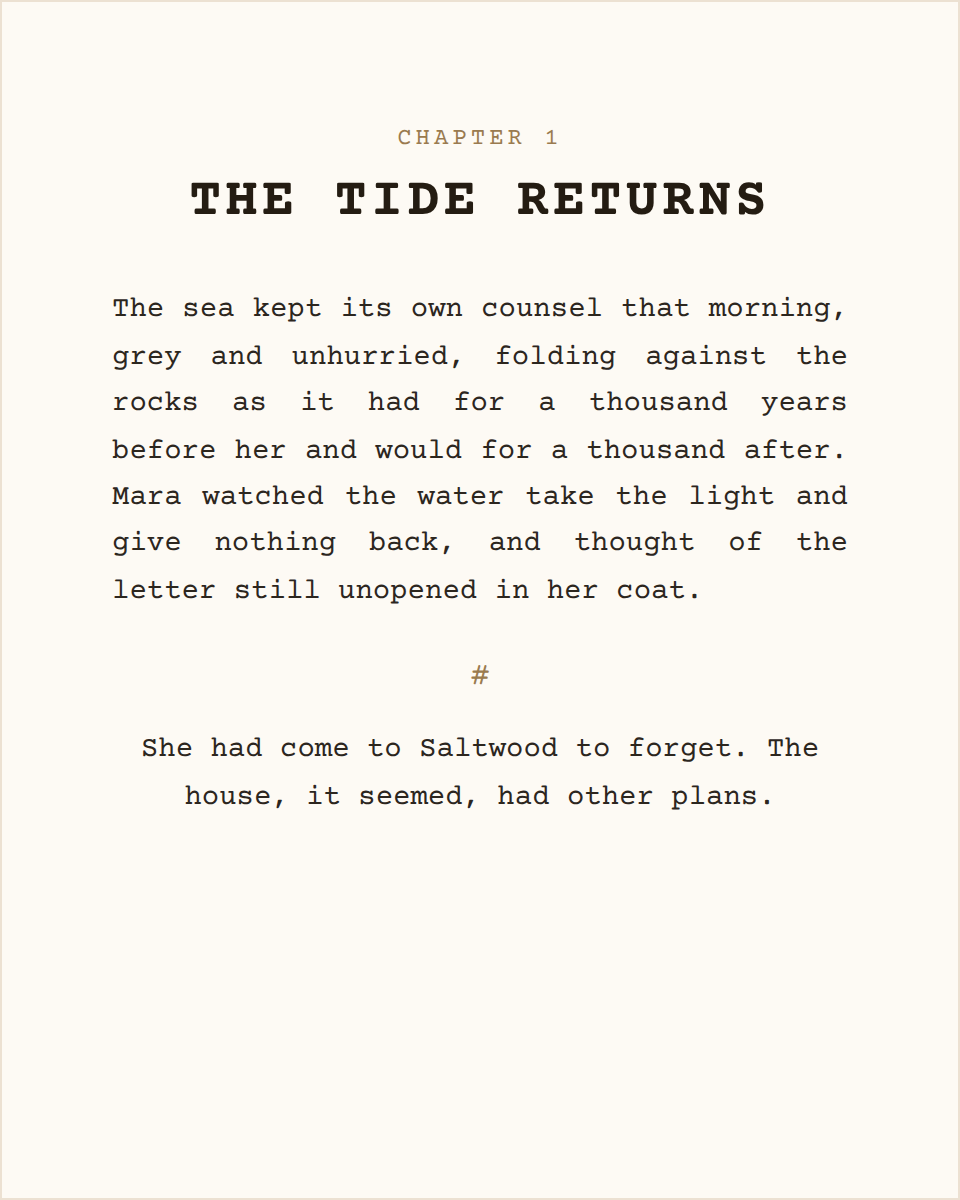
Chapter opener in the Screenplay theme, a fixed-width Courier layout in the screenwriting tradition
Screenplay
Screenwriter's monospace.
Chapter opener in the Large Print theme, an accessible high-legibility layout for low-vision readers
Large Print
Accessible & legible.
Chapter opener in the Storybook theme, a friendly rounded layout for children's and beginning readers
Storybook
Friendly for young readers.
Chapter opener in the Antique theme, an old-press small-caps layout for historical reprints
Antique
Historical reprint feel.
Chapter opener in the Scholarly theme, a refined academic layout for footnote-heavy nonfiction
Scholarly
Academic & footnote-ready.

From manuscript to upload-ready, on one screen.

1
Import — Drop in your .docx. Headings become chapters; italics and bold are preserved.
2
Theme — Choose from twelve interior themes, applied to every chapter at once.
3
Check — Watch your compliance score climb as pre-flight catches ISBN, gutter, and page-count problems live.
4
Price — See spine width, print cost, and per-copy royalty on KDP, IngramSpark, B&N Press, and D2D.
5
Export — Generate a validated print PDF and EPUB that won't get bounced.
The differentiator

Pre-flight while you format.

The same checks our scanner runs on rejected IngramSpark and KDP files — gutter width, page minimums, placeholder ISBNs, trim setup — scored live in the top bar as you work. You fix problems before you upload, not after the rejection email.

BookReady pre-flight compliance panel showing a live 80 percent score with individual checks for title page, copyright ISBN, table of contents, gutter margin, page count and word count
Browser-based, not Mac-only

No Mac? No problem. No workarounds either.

The most popular Mac formatter has no Windows version and no plans to build one — their official advice is to rent a cloud Mac by the hour, set up remote desktop software, and sync your files through Dropbox just to open the app. BookReady runs in any browser, on any computer, with nothing to install and nothing to update. Your work is there the moment you open a tab.

The Mac-app route
  • ✕ Mac only
  • ✕ ~$1/hr cloud-Mac workaround
  • ✕ Updates you have to chase
BookReady
  • ✓ Any browser, any computer
  • ✓ Nothing to install
  • ✓ Always current

A quarter the price. In your browser. Guaranteed.

Every price below is one-time. Only one comes with a rejection guarantee.

Atticus

$147
one-time
  • ✓ Works in browser
  • ✓ Writing + formatting
  • ✕ No compliance checks
  • ✕ No royalty calculator
  • ✕ No guarantee
Best value

BookReady Formatter

$59
one-time · every book you'll ever write
  • ✓ Works in any browser
  • ✓ Compliance checks built in
  • ✓ Royalty calculator, 4 platforms
  • ✓ Large print + boxed sets + ARCs
  • Rejected file? Fixed free or refunded
Start free, pay when you export

Vellum

$249.99
one-time · print + ebook
  • ✕ Mac only
  • ✓ Beautiful typesetting
  • ✕ No compliance checks
  • ✕ No royalty calculator
  • ✕ No guarantee

Competitor prices as published, July 2026. Free tier includes full formatting, themes, pre-flight, and watermarked exports. Vellum offers a 30-day money-back refund; BookReady guarantees the outcome — a file that isn't rejected — not just a refund window.

See all six formatting tools compared, including the ones we don't sell →
🛡

If your file gets rejected, that's our problem

Every export runs through the same compliance engine that has fixed thousands of rejected IngramSpark and KDP files. If a BookReady-formatted interior still gets bounced, we fix it free, or refund your $59. No fine print.

Indie authors who stopped getting rejected.

★ 4.2 “Great” on Trustpilot

“The file she delivers is literally perfect, with every single conflict with the Ingram requirements fixed. I will use BookReady for every book I publish from now on.”

— Stephen Spignesi

“A great solution for resolving PDF/X-1a issues with KDP. Easy to use and fast.”

— RT

“Couldn't have asked for a better experience. Great customer service — super knowledgeable.”

— Mrs Shannon Parsons

“Really great experience. Simple service that takes your hand and walks you through the complicated process.”

— Drunk Nurse

Read all reviews on Trustpilot →

What you export.

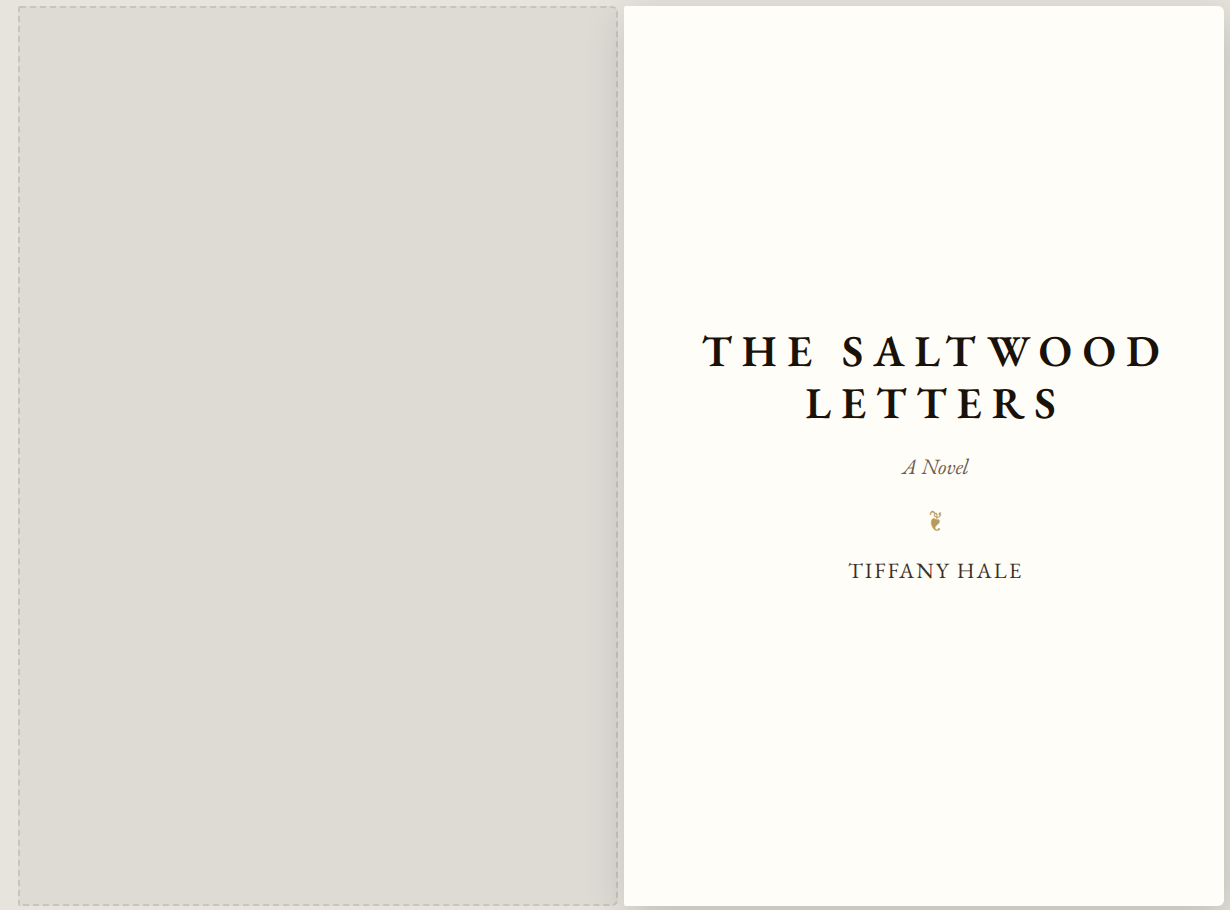
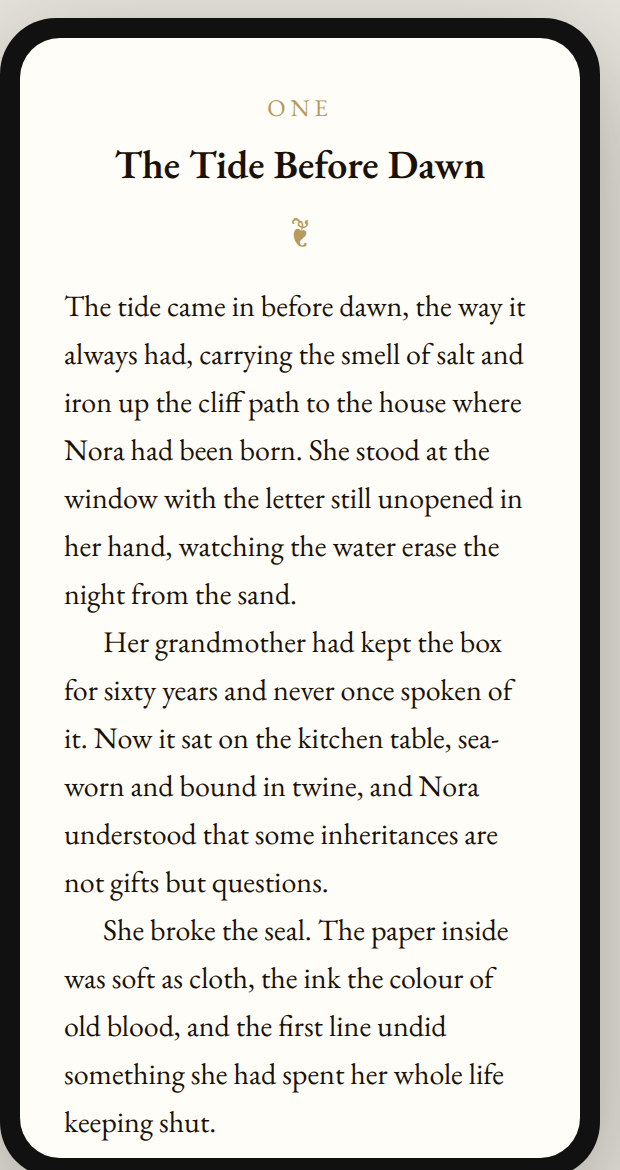
Print-ready PDF/X-1a and EPUB 3. Trim sizes from 5×8 up to 7×10, plus A5 and large print. Boxed sets and ARCs included. Every export runs through the compliance engine before you download.

Two facing 6 by 9 inch print pages previewed side by side, showing a chapter opening laid out as it will appear in the printed book The same manuscript rendered inside a phone frame, showing how the book will look as an ebook

Quick questions

Can I try it before paying?

Yes, everything is free except clean exports. Format your whole book, check your score, even download watermarked review copies. Pay $59 only when you want the finished files.

Does it import from Word?

Drop in a .docx and your headings become chapters, with italics and bold preserved. Plain text and Markdown work too, and smart quotes are applied automatically.

Is my manuscript safe?

Your book is yours. Nothing you write is used for anything except making your files, and you can delete it any time.

Your next upload won't get rejected

📄 Format my book, free