If you’ve spent any time researching how to publish a book, you’ve hit the ISBN question. Should you buy your own? Use a free one from Amazon? What’s the difference, and does it actually matter?
This is the honest, practical answer for self-published authors in 2026. We’ll cover what an ISBN really is, when you need one, when you don’t, and how to make the right call for your book.
What is an ISBN?
ISBN stands for International Standard Book Number. It’s a 13-digit identifier that tells the world which version of which book you’re talking about. The hardcover gets one ISBN, the paperback gets another, the ebook gets a third.
Bookstores, libraries, and distributors use ISBNs to track inventory. Without one, your book is invisible to most of the traditional book supply chain.
Free ISBN vs Paid ISBN: The Real Difference
This is where most authors get confused. Here’s the honest breakdown.
Free ISBN (from KDP or IngramSpark)
Amazon KDP and IngramSpark will give you a free ISBN when you publish through them. Sounds great, right? There are tradeoffs.
The publisher of record is listed as “Independently Published” (KDP) or “Ingram” (IngramSpark). You cannot use that ISBN anywhere else. It locks the book to that platform.
Paid ISBN (from Bowker or Nielsen)
You buy the ISBN from your country’s official ISBN agency. In the US, that’s Bowker. In the UK, it’s Nielsen.
You are the publisher of record. You can use the ISBN on any platform. You own it forever.
A single ISBN from Bowker costs $125. A pack of 10 costs $295 (way better deal). A pack of 100 costs $575.
When You Need Your Own ISBN
Buy your own ISBN if:
- You want to be listed as the publisher (helps with credibility and bookstore distribution)
- You plan to publish through multiple platforms (KDP, IngramSpark, Apple Books, etc.)
- You want bookstores and libraries to take you seriously
- You’re building a long-term author business
When a Free ISBN is Fine
Use the free ISBN if:
- You only plan to publish on Amazon KDP and nowhere else
- You’re publishing one book as a hobby or experiment
- You don’t care about bookstore distribution
- Cost is a real concern right now
The free ISBN works. It’s just limited.
Common ISBN Mistakes Indie Authors Make
Mistake 1: Using one ISBN for multiple formats
Each format needs its own ISBN. Paperback, hardcover, and ebook are three different ISBNs. Audio is a fourth.
Mistake 2: Buying just one ISBN
If you plan to publish more than one or two books, the 10-pack is a much better deal. $295 for 10 ISBNs vs $125 for one.
Mistake 3: Trying to reuse an ISBN
You cannot reassign an ISBN to a different book. Once it’s used, it’s permanent.
Mistake 4: Buying from sketchy resellers
There are fake ISBN sellers on the internet. Always buy from your country’s official agency. In the US, that’s Bowker (myidentifiers.com).
How an ISBN Actually Affects Your Book
On Amazon
Amazon doesn’t care which ISBN you use. They’ll show your book either way.
On IngramSpark
You need an ISBN to publish on IngramSpark. You can use a free Ingram one or your own.
In Bookstores
Bookstores order books through Ingram. They’ll order yours if it’s listed as “Independently Published,” but they’re more likely to take it seriously if you’re the listed publisher.
In Libraries
Libraries strongly prefer books with author-owned ISBNs. They’re more likely to add your book to their catalog.
What About the Barcode?
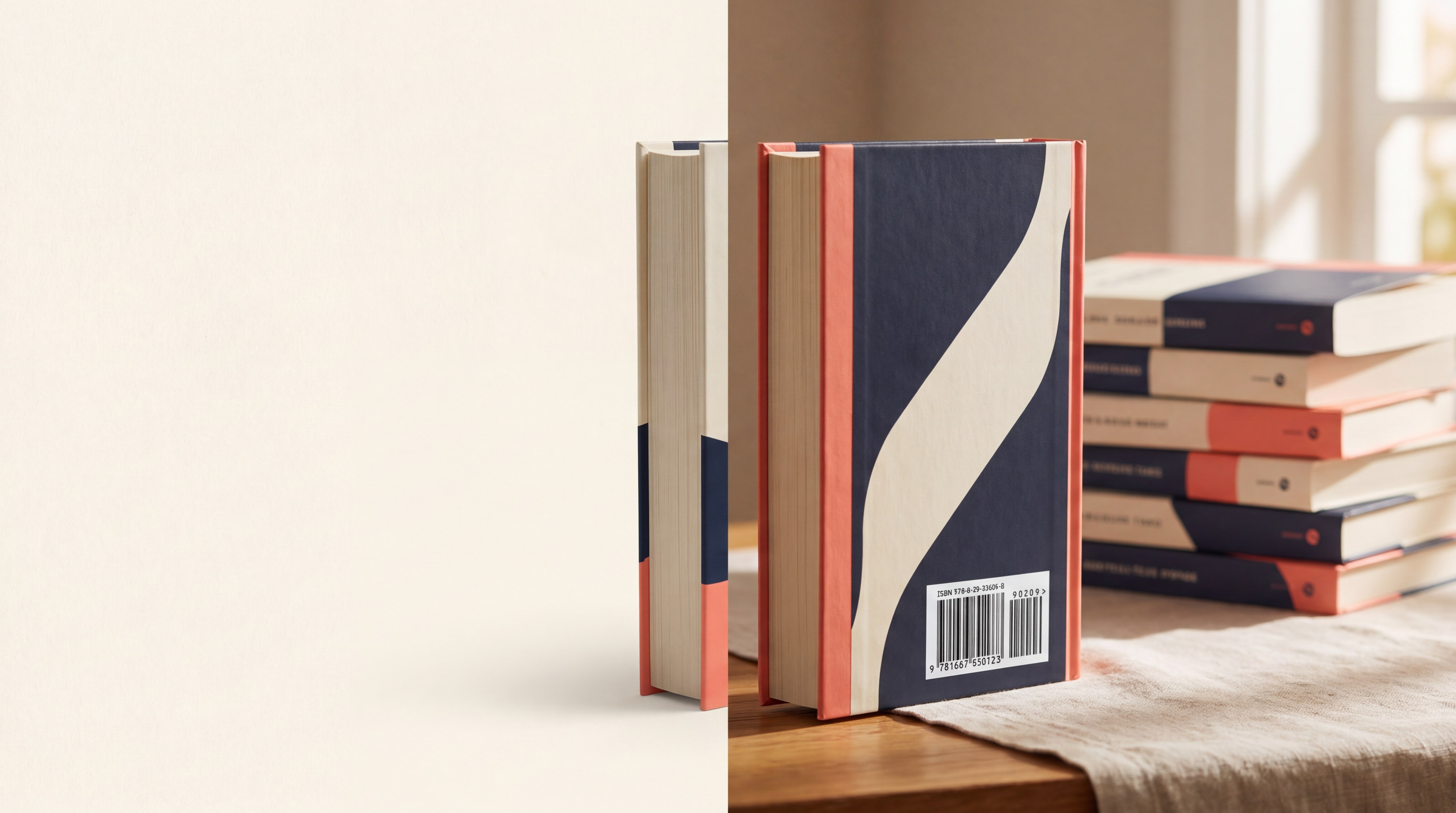
The barcode is a separate thing. It’s the visual representation of your ISBN that goes on the back cover.
You don’t need to buy a barcode. You can generate one for free using BookReady’s ISBN Barcode Generator. Just paste your ISBN, set the price (or leave blank), and download a print-ready file.
Step-by-Step: Getting Your ISBN
- Go to myidentifiers.com (Bowker) or your country’s official ISBN agency
- Decide if you need 1, 10, or 100 ISBNs (10 is the sweet spot for most authors)
- Set up your publisher name (your author imprint or your own name)
- Assign an ISBN to each format: paperback, hardcover, ebook, audio
- Submit your book metadata (title, author, description) through Bowker’s portal
- Generate a barcode using BookReady or any free generator
- Add the barcode to your back cover before submitting to KDP or IngramSpark
Should You Create a Publishing Imprint?
When you buy your own ISBN, you’ll be asked for your “publisher name.” This is your imprint.
Some authors use their legal name. Some make up a fun publisher name (like “Reveal the Veil Press”). Either is fine.
Why have an imprint? It looks more professional, especially if you publish multiple books. You can also use your imprint on the spine, copyright page, and metadata, which signals quality to bookstores and reviewers.
Final Thoughts
The ISBN question is less about right and wrong and more about what you want from your book.
If you’re publishing one book and only on Amazon, the free ISBN is fine. If you want any kind of long-term author career, buy a 10-pack from Bowker. The cost works out to under $30 per ISBN, and you’ll have them ready for every book you ever write.
Your ISBN says who the publisher is. If you want that to be YOU, this is where it starts.
FAQs
Q: Do I need an ISBN for an ebook?
A: Not on Amazon, but yes on most other platforms. Apple Books and Kobo strongly prefer ISBN-tagged ebooks. If you only sell on Amazon, you can skip the ebook ISBN.
Q: Can I change my publisher name later?
A: Yes, but it requires updating each ISBN’s metadata through Bowker, which is tedious. Better to pick the right name from the start.
Q: How long does it take to get an ISBN?
A: Usually within an hour of purchase from Bowker. The metadata can take a few days to propagate to bookstores.
Q: Do I need to register my ISBN somewhere?
A: Yes. After you buy it, log into your Bowker dashboard and add your book’s metadata (title, author, description, BISAC code, publication date). This is what makes your book searchable in distributor databases.
Q: Can I use the same barcode for paperback and hardcover?
A: No. Each format needs its own ISBN and its own barcode. Generate a fresh one for each format using BookReady’s ISBN Barcode Generator.